
Party
Name the people in the scene.
ONE SCENE. THE WORST POSSIBLE MOMENT.
Interrupt an active scene with clear stakes, a response window, two things to try, a bounded cost and a useful silver lining.

ONE COMPLICATION. EXACTLY THE WRONG MOMENT.
Create urgency while keeping the party’s choices open.
Name the people in the scene.
Describe what they are doing.
Choose one of six scales.
Set the feel of the interruption.
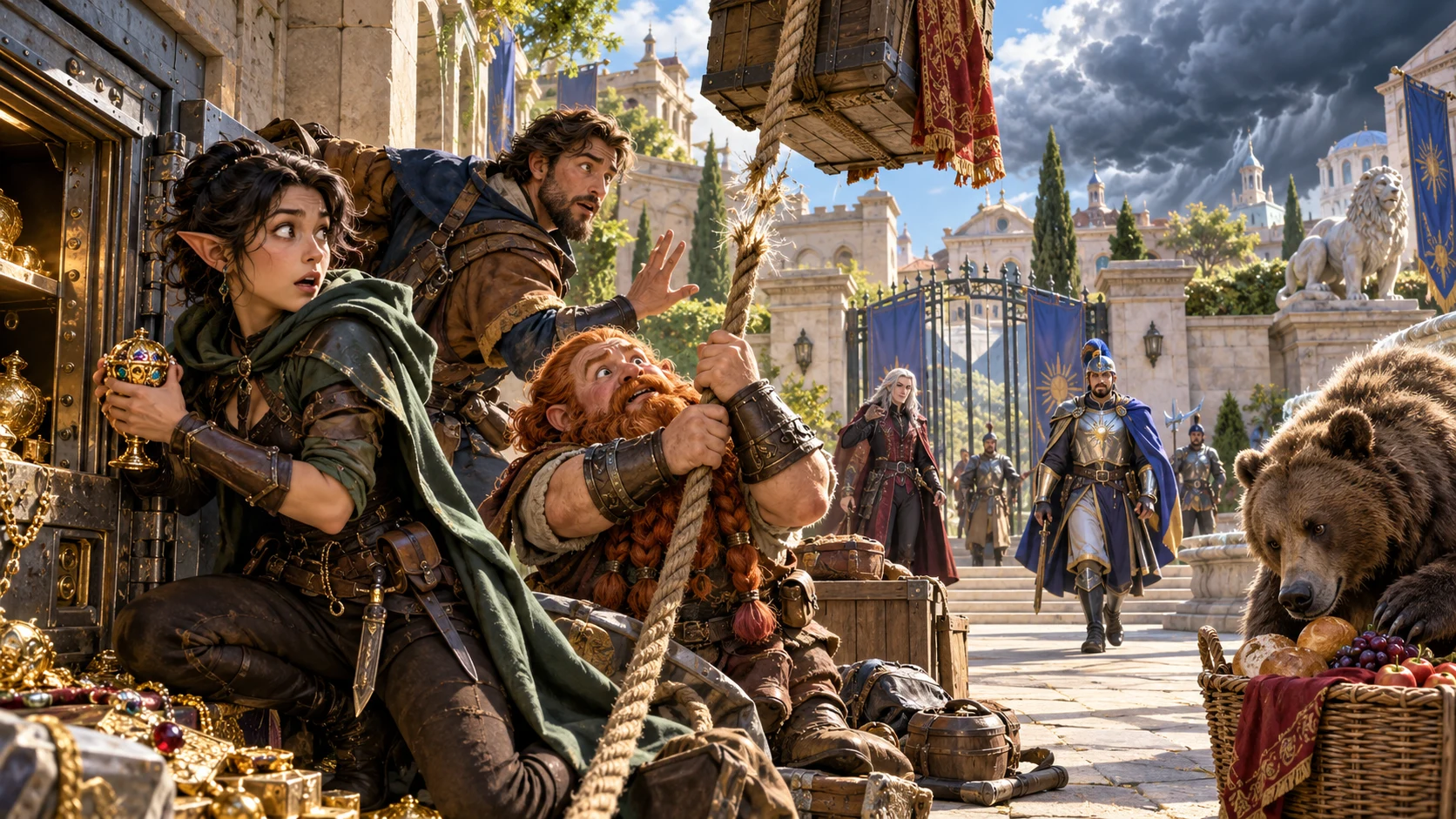
WHAT HAPPENS AT THE WRONG MOMENT
Name the party and describe what they are doing.
Choose severity and tone, then the event and risk when useful.
Add established facts, exclusions and private context.
STAKES, TIME AND TWO OPTIONS
Make the interruption useful at the table.
Choose the badly timed event.
Identify a clear stake.
Say how long they have.
Offer things the party can try.
A PRACTICAL SCENE INTERRUPTION
Keep a dramatic complication useful and fair.
Interrupt what the party is doing.
Set the size of the complication.
Choose what arrives at the wrong moment.
Show the risk and response window.
Offer practical suggested actions.
Keep failure bounded and the scene moving.
Prepare two of each and a private note.
Reopen, duplicate and share useful moments.
QUICK OR DEEP
Add details that fit your established scene.
Party, current activity, severity and tone.
Choose event and risk in Deep.
Keep the result tied to established context.
Add exclusions and Dungeon Master notes.
KEEP THE USEFUL MOMENTS
Explore another interruption without losing the first.
Revise individual sections.
Keep parts that fit your scene.
Save and reopen earlier variations.
Prepare moments for the right scene.

CHOICES, COST AND A SILVER LINING
Review what happens, what is at risk and how long the party has.
Share full Dungeon Master or player-safe scene brief through copy, JSON or print.
Keep private notes and DM context out of the player version.
DRAMATIC WITH OPEN CHOICES
Players choose how their characters respond.
Other responses remain possible.
Keep a setback proportionate.
Give the scene a way to continue.
No mechanics, penalties or Combat Pro handoff.
Generator access and pricing
Choose access for this selected generator or an eligible pack.
Review current standalone access and pricing.
Check whether a current pack includes this generator.
Use your account to review premium product access.
Create a free VISINVOKE account; premium access remains separate.
VISINVOKE means value
Create urgency, choice and practical ways forward.

Interrupt the action already under way.
Show the risk and time to respond.
Offer two suggestions without forcing them.
Save versions, hooks, tips and private notes.
Explore your VISINVOKE workspace
Each card opens its own product website. Review purpose and access separately; related products do not promise included access or automatic synchronisation.

Open your VISINVOKE desktop products.
Prepare a live exchange after an established social mistake.

Build the wider setting around your campaign.

Develop the places your party travels through.

Explore separate adventure environments.
Explore separate fantasy image creation.
Product artwork is illustrative, not application screens or actual generated image output.
Quick answers
Understand severity, choices, saved versions and sharing.
One badly timed complication in the action already under way, with clear stakes, a response window, two things to try, a bounded possible cost and a silver lining.
An old enemy, sudden weather, breakage, recognition, a physical mishap, authorities, a wandering creature or a promise called due. Six severity scales run from minor inconvenience to the worst moment imaginable.
Quick sets party, current activity, severity and tone around the first two named party members. Deep chooses what happens and what is at risk, with a party fact, exclusions and private Dungeon Master context.
Edit individual sections, lock details and reroll. Save versions to your library, reopen, duplicate, tag and annotate useful moments.
Copy, export as JSON or print the Dungeon Master version or a player-safe scene brief with stakes, response window, suggested actions, hooks and tips. Private note and DM context stay out of the player version.
Players decide how to react, including choices beyond the two suggestions. It starts no fight, applies no game mechanics or penalties and sends nothing to Combat Pro.
Continue in VISINVOKE
Create a free VISINVOKE account and review current generator access.
Use your account installer page for Desktop Command Centre.
Open Worst Possible Time Generator from the Generators collection.